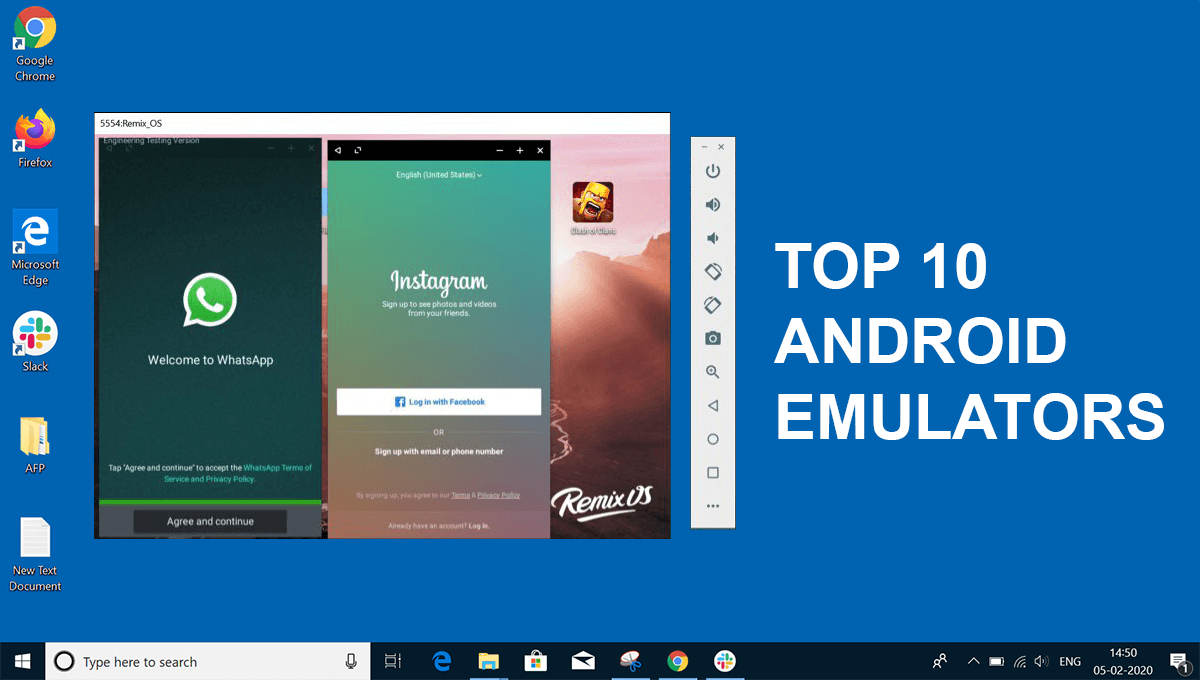
There are several handy programs that will help you play games, do productive things and activate those programs and games on your computer that are designed for Android devices.
PC and Mac Android emulators in 2022
The Iemu emulator is one such program, and you can have a lot of fun if you use its features. So, with the help of the PC, the user can get many advantages, such as using the mouse and keyboard to control the character. This is ideal for people who appreciate time and comfort during their free time. Read more: cheap windows 10 keys
The best Android emulators
Here are a few useful emulators that will help you to implement your most daring ideas on the issue of mobile games.
- BlueStacks. It is a great mobile game emulator from Android that is compatible both with Windows and Mac. It has a wide range of features that make the gameplay in a particular project more beautiful and convenient. So they include calling the task manager by pressing two or three keys simultaneously. Moreover, this emulator can even run multiple games so that multiple gamers can use the same platform simultaneously.
- Android Studio. This is the best option for users who are engaged in software development. Android Studio is an IDE that is compatible with an emulator. This connector is implemented through the Android Virtual Device feature. So, you can create almost any device and use it to test your program. This program perfectly copes with any mobile games for Android and has keyboard support. First, you may have difficulty changing the parameters and customising this emulator. But then, after a couple of weeks of active use, you will learn all the details and enjoy your free time by playing your favourite mobile games via keyboard and mouse.
- ARChon. It is another popular and secure emulator that runs online based on Google Chrome. This means that Google Chrome is a necessary tool without which the use of this program will be impossible. The ARChon installation procedure is similar to installing addon in Chrome with developer enabled settings. This emulator converts APK files and makes it possible to play mobile games on your computer. We should note that this program is optimal for advanced users who do not need to run an Android game or program on their computers often in order to run its test.
- Bliss OS. This program has a long story. Our editorial office is sure that it is one of the best emulators of mobile programs and games for computers. There are three different methods of its usage, such as real-time downloading, which includes downloading files from a flash drive, as well as installing this emulator as a special partition in your operating system. Both options will help you use the Bliss system. Among its strengths is its compatibility with Android 9, which is still popular with gamers. Today, the developers of this program are creating a project for Android 12. In general, this is the most modern emulator on our list, and therefore we recommend you try it out.
- GameLoop. This is another great program that is designed to emulate Android games and programs. Tencent is the developer of this program, which also created such a cool mobile game as PUBG: Mobile. It has a simple installation process, so you won’t waste much time on this procedure. But after that, you will have a huge library of games.
- People use emulators to make their favourite mobile games appear on a larger computer screen. Then, they get more colour and graphic diversity. In addition, the use of the mouse and keyboard simplifies the process and makes it much more enjoyable. Finally, the last strength of computers is that it always runs offline and never will, unlike a smartphone.