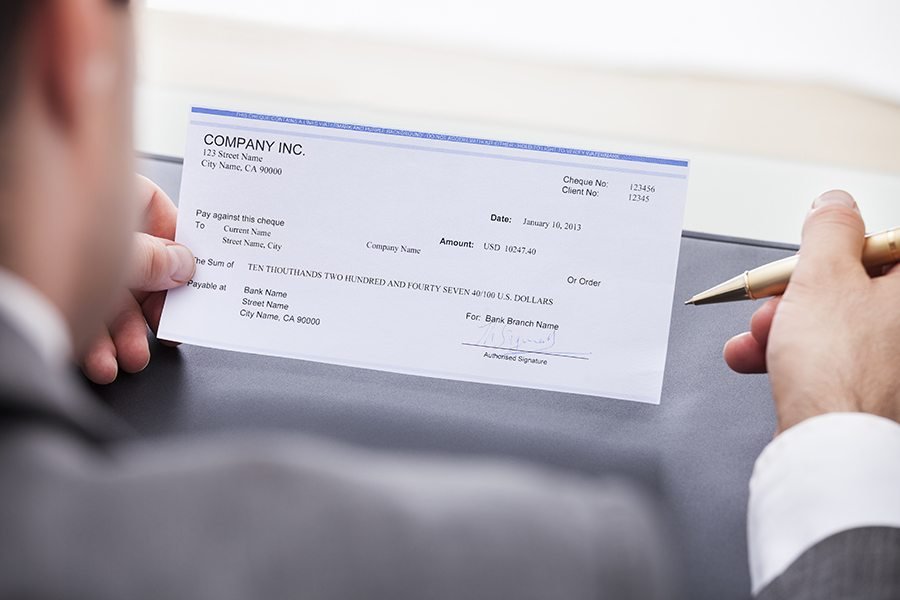
QuickBooks is a powerful accounting software that has been a popular choice for businesses of all sizes for many years. One of the features that make QuickBooks stand out is its ability to print checks directly from the software. QuickBooks check printing is a feature that can streamline your accounting process and eliminate the need for manual check writing. With QuickBooks, you can easily create and print checks for vendors, employees, and other expenses directly from the software. This not only saves time but also reduces the risk of errors that can occur during manual check writing. Moreover, QuickBooks check printing can help you keep track of your expenses and ensure that all payments are recorded accurately. You can easily access previous check payments and reconcile your bank accounts with your QuickBooks records. Another benefit of using QuickBooks check printing is that it can save you money. By printing checks in-house, you can avoid the cost of ordering pre-printed checks and the associated shipping and handling fees. Additionally, you can take advantage of discounts for bulk check printing and avoid late payment fees by ensuring that your payments are made on time. Overall, QuickBooks check printing is an essential feature that can simplify your accounting process, increase accuracy, and save you time and money. If you haven’t already, consider implementing this feature in your business today. In this article, we will explore why QuickBooks check printing is essential for your business and how it can save you time and money.
Saves Time
One of the biggest benefits of using QuickBooks check printing is the time it saves. Instead of manually writing checks by hand, QuickBooks allows you to print checks directly from the software. This means that you can print multiple checks in just a few minutes, rather than spending hours writing them out by hand. Additionally, using QuickBooks check printing reduces the risk of errors that can occur when writing checks manually. The software automatically populates the necessary fields, such as the payee name and amount, which minimizes the chance of mistakes. This can save you both time and money, as errors can result in costly fees and delays. Overall, QuickBooks check printing is a convenient and efficient solution for managing your business’s finances.
Helps Avoid Errors
Writing checks by hand can be a tedious and error-prone task. Even the smallest mistake, such as writing the wrong date or amount, can lead to problems down the line. QuickBooks check printing helps to avoid these errors by automating the process. By using QuickBooks check printing, you can easily print checks with accurate information and eliminate the need to manually write them out. This not only saves time, but also reduces the risk of mistakes that could cause financial issues. Additionally, QuickBooks check printing allows for customization options such as adding logos or signatures, making the checks more professional and personal. Overall, QuickBooks check printing is a reliable and efficient solution for managing your finances.
Increases Security
Another benefit of using QuickBooks check printing is the increased security it provides. When you print a check from QuickBooks, the software automatically assigns a unique check number to each check. This helps to prevent fraud and ensures that each check is accounted for. In addition, QuickBooks check printing also allows you to print checks with encrypted signatures, making it more difficult for unauthorized individuals to forge signatures. This added layer of security can give business owners peace of mind when managing their finances. Overall, using QuickBooks check printing can not only save time and streamline the check writing process, but it can also provide important security measures to protect your business.
Saves Money
In addition to saving time, QuickBooks check printing can also save you money. By printing checks directly from the software, you can avoid the cost of purchasing pre-printed checks. Additionally, QuickBooks check printing can also help prevent errors and fraud. The software allows you to input all necessary information accurately and securely, reducing the risk of mistakes or unauthorized alterations. This can ultimately save you money by avoiding costly mistakes or fraudulent activity. Overall, using QuickBooks check printing can be a valuable tool for any business looking to streamline their financial processes and save money in the process.
Improves Record Keeping
QuickBooks check printing also helps to improve record keeping. When you print a check from QuickBooks, the software automatically records the transaction in your account. This means that you don’t have to manually enter the information into your accounting software, which can be time-consuming and prone to errors. With QuickBooks check printing, you can quickly and easily print checks for your business expenses and payments to vendors. The software also allows you to customize your checks with your company logo and information, giving them a professional look. Additionally, QuickBooks check printing can help you keep track of your expenses and payments, making it easier to reconcile your accounts and prepare financial statements. Overall, using QuickBooks check printing can save you time and improve the accuracy of your record keeping, making it a valuable tool for any business owner.
Conclusion
In conclusion, QuickBooks check printing is an essential tool for any business that writes checks. It saves time, helps to avoid errors, increases security, saves money, and improves record keeping. By using QuickBooks check printing, you can streamline your accounting processes and focus on growing your business.